Product updates, deals, and tips, straight to your inbox. We'll email your discount code right away. Unsubscribe any time with one click.
By subscribing you agree to receive marketing emails. See our privacy policy for how we handle your email.
This site is protected by reCAPTCHA and the Google Privacy Policy and Terms of Service apply.
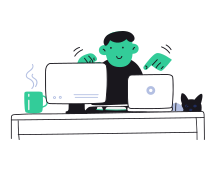
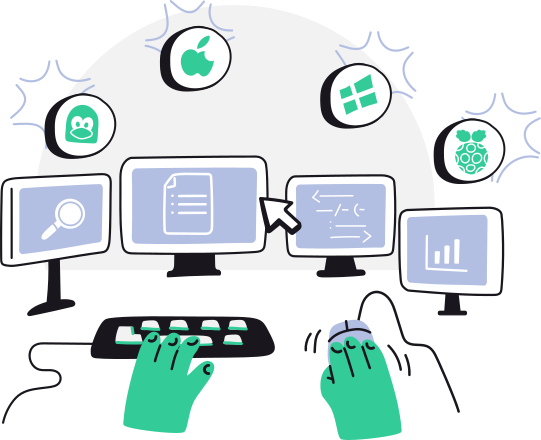
Synergy makes all your computers feel like one system. One mouse, one keyboard, one clipboard. Just move your mouse from one computer to another and start typing.
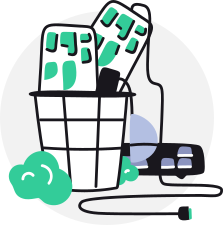
Synergy means you only need one keyboard and mouse, regaining valuable space on your desk. Once installing Synergy, you can put away those extra keyboards and mice.
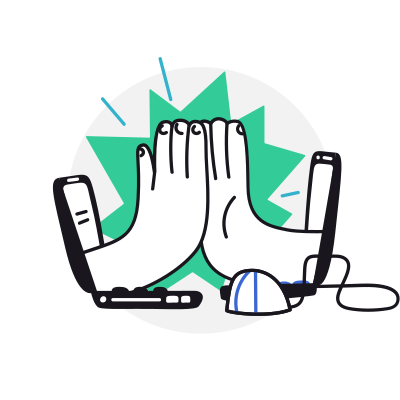
Conventional hardware switch devices cost precious seconds during the switch. Synergy has no delay, switching instantly as soon as you move your mouse between computers.
TLS/SSL encryption, copy and paste between computers, hotkeys, key swapping, and screen layout configuration.
Learn more about features in Synergy
Leading organizations—including NVIDIA, Apple, Amazon, Meta, Intel, Sony, Samsung, and Disney—use Synergy to simplify complex, cross-platform environments.
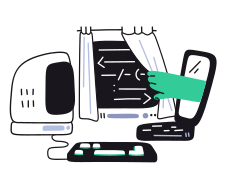
Engineering and IT teams build, test, and run software across Windows, macOS, and Linux at the same time. Juggling separate keyboards and mice, or routing everything through remote desktops, slows the work and clutters the desk. Synergy lets developers and operators move between every machine with a single keyboard and mouse, so focus stays on the systems, not the setup.
Contact our business team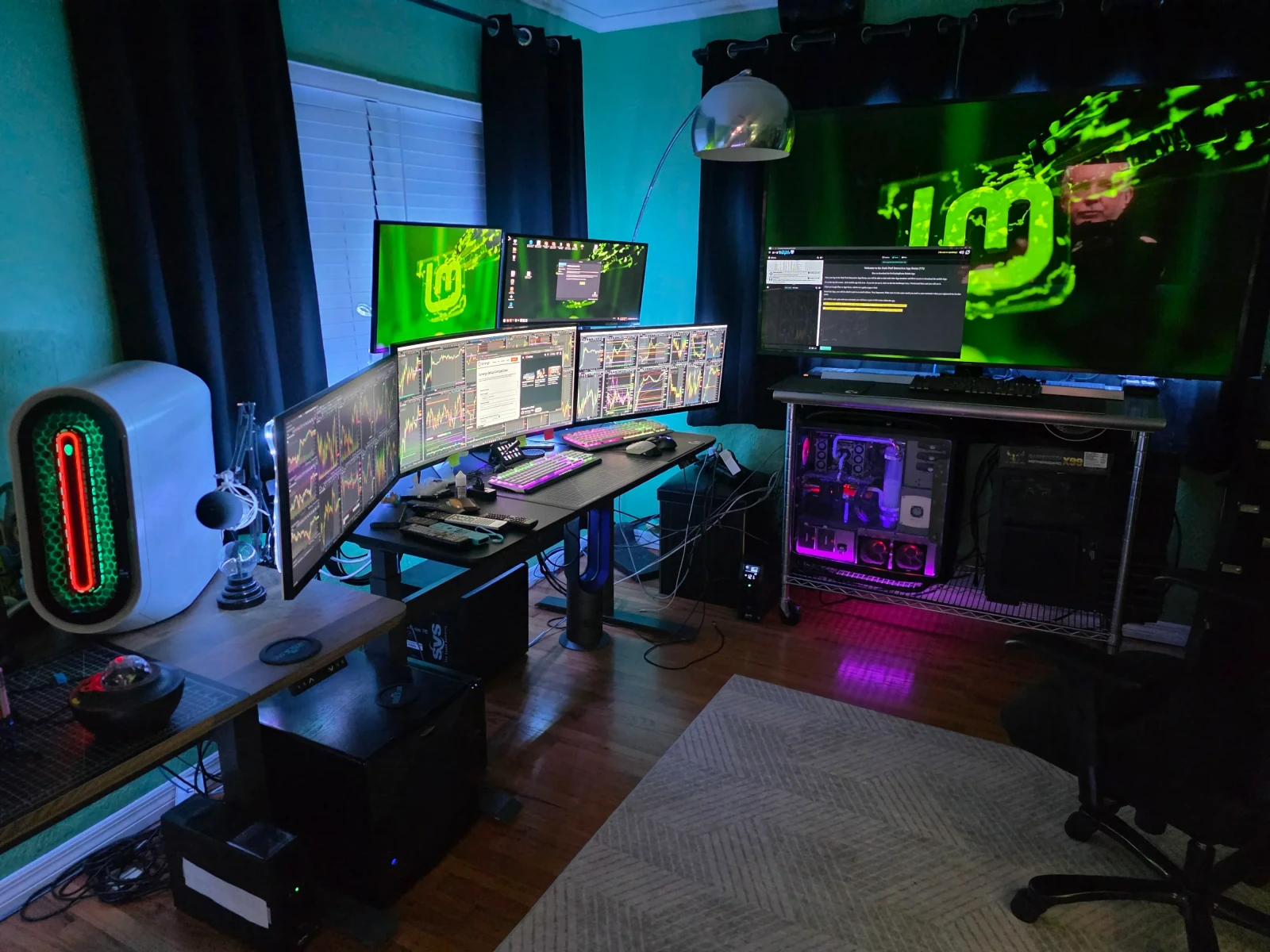
Stock trading drives the layout here, where screen real estate and audio quality both matter for the work. Three custom-built machines, including an i9 12900KF, run across the displays with Synergy handling keyboard and mouse duties so switching between them mid-session stays effortless.
Submitted by david.butera.187 on Facebook
However you use multiple computers, Synergy lets you focus on doing what you do best.
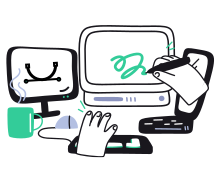
Many artists use a Mac for creative work and a Windows PC for specific tools or older software. Synergy lets one keyboard and mouse control both computers as if they were one, so you stay focused on creating instead of switching devices.
Great software is only half the story — it matters even more that help is there when you need it. Whether you're a business or a personal customer, our support team is quick, clear, and genuinely helpful.
See Trustpilot reviews
A very helpful tool at a very fair price. Also a good and friendly support. Very customer oriented.
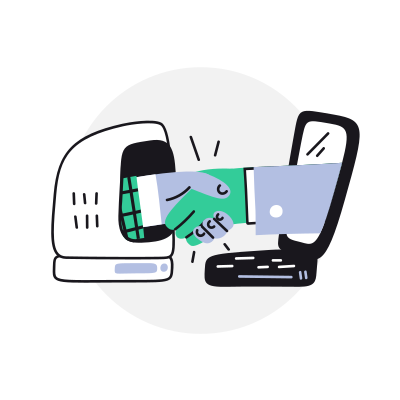
Our enterprise customers cut complexity, speed up delivery, and simplify operations. Read the case studies to see how they did it with Synergy.
See how Synergy is really used
Synergy is the commercial distribution built on Deskflow, the upstream open-source project maintained by the Synergy team.
Learn more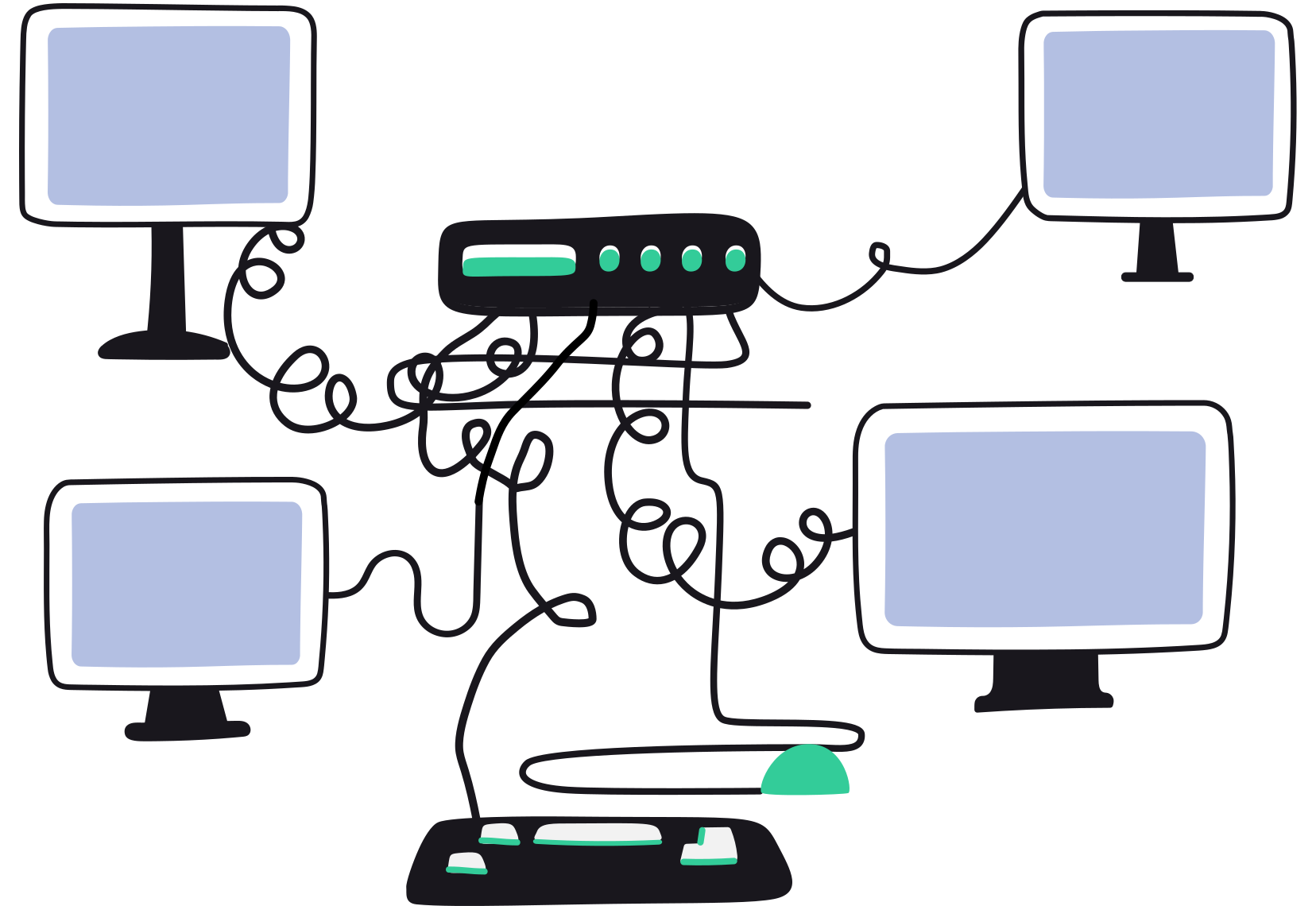
Synergy works like a software KVM, but without video. Unlike hardware KVM switches, it does not require cables or physical setup, and avoids the lag and reliability issues common when switching between machines.
Learn moreStories from the Synergy team on multi-computer workflows, the people who run them, and what we're shipping next.
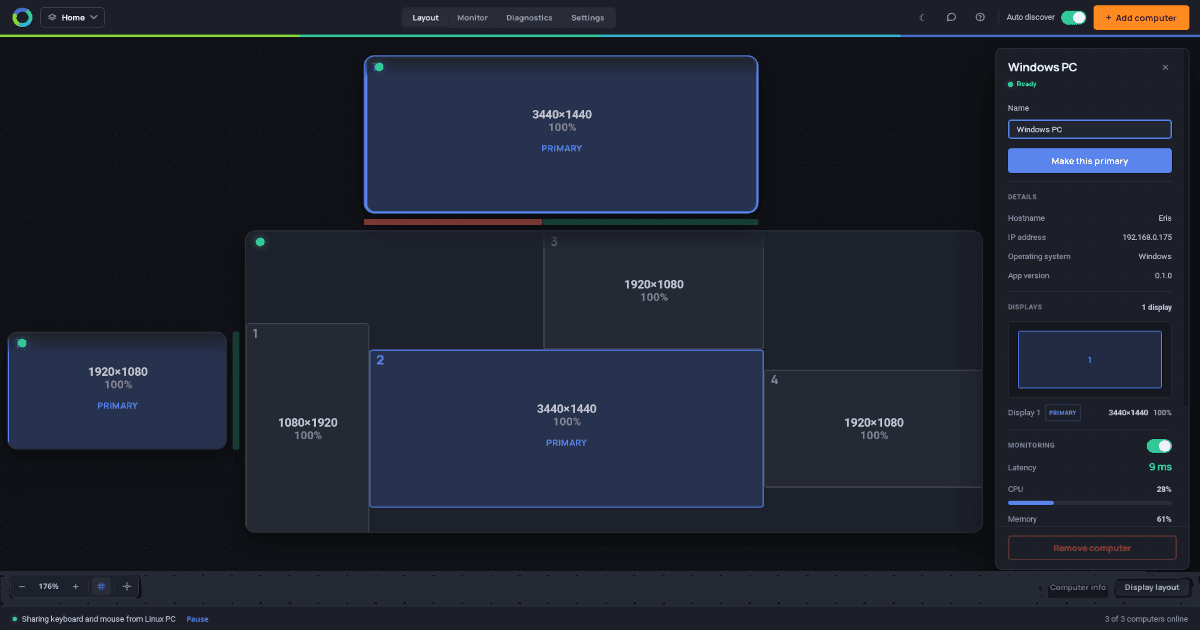
Synergy Dragon is out in alpha. What the new app does, what's broken, what's missing, and where it's going next. Available now.
We have retired the name Symless. The company is now Synergy, same as the software. Here's why, and what it means for your license.
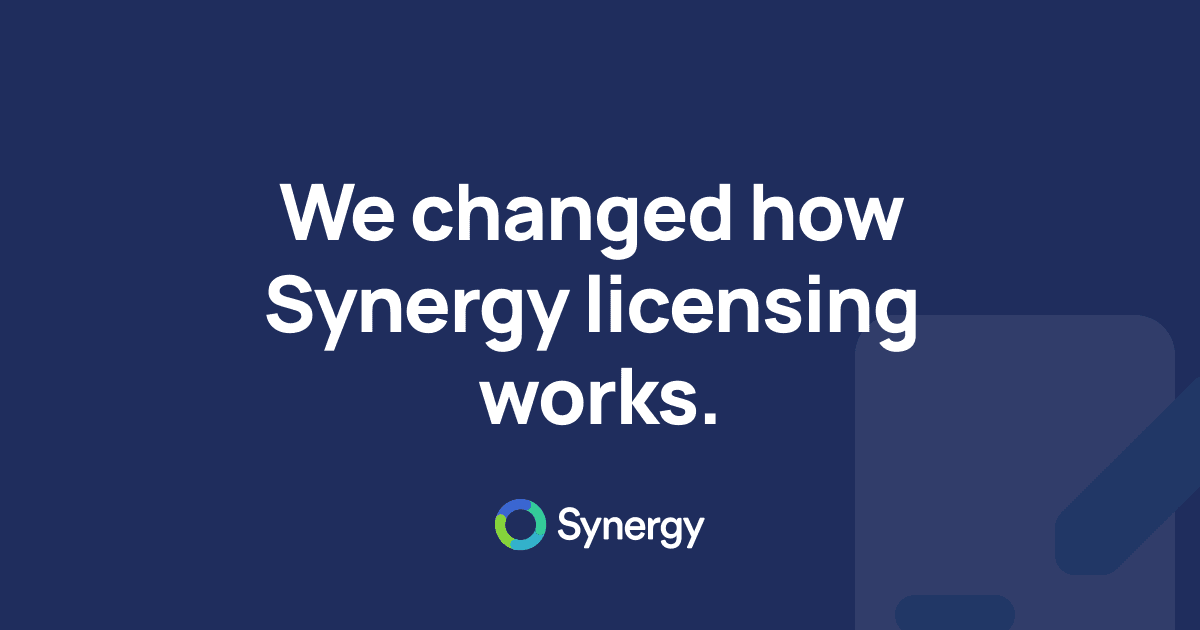
In May we changed Synergy licensing and got it wrong. Now: bought it with your own money, it's yours, for anything including work.
Control multiple computers with one mouse and keyboard.
It's an idea so simple, you'll wonder how you ever worked across your devices without it.
Have any questions? Learn more about Synergy or get in touch.
🇺🇸 🇬🇧 🇨🇦 Designed in California, USA. Built and maintained in U.K. & Canada.


 YouTube
 Reddit
 X (Twitter)
 Instagram
 Facebook
 LinkedIn