Synergy 3 got a face lift, big Synergy 1 update, and Synergy Dragon progress

Three updates this month. Synergy 3.7 is out with dark mode and a window you can finally resize. Synergy 1.21 is out of beta with more than a hundred fixes and changes since 1.20. And Synergy Dragon, our next product, has had a new alpha release almost every week since August.
Synergy 3 got a face lift
Synergy 3.7 adds dark mode. By default it follows your computer's light or dark setting, and a new Appearance option in Local settings lets you choose System, Light or Dark. There's also a sun and moon button in the sidebar that switches between the two in one click.
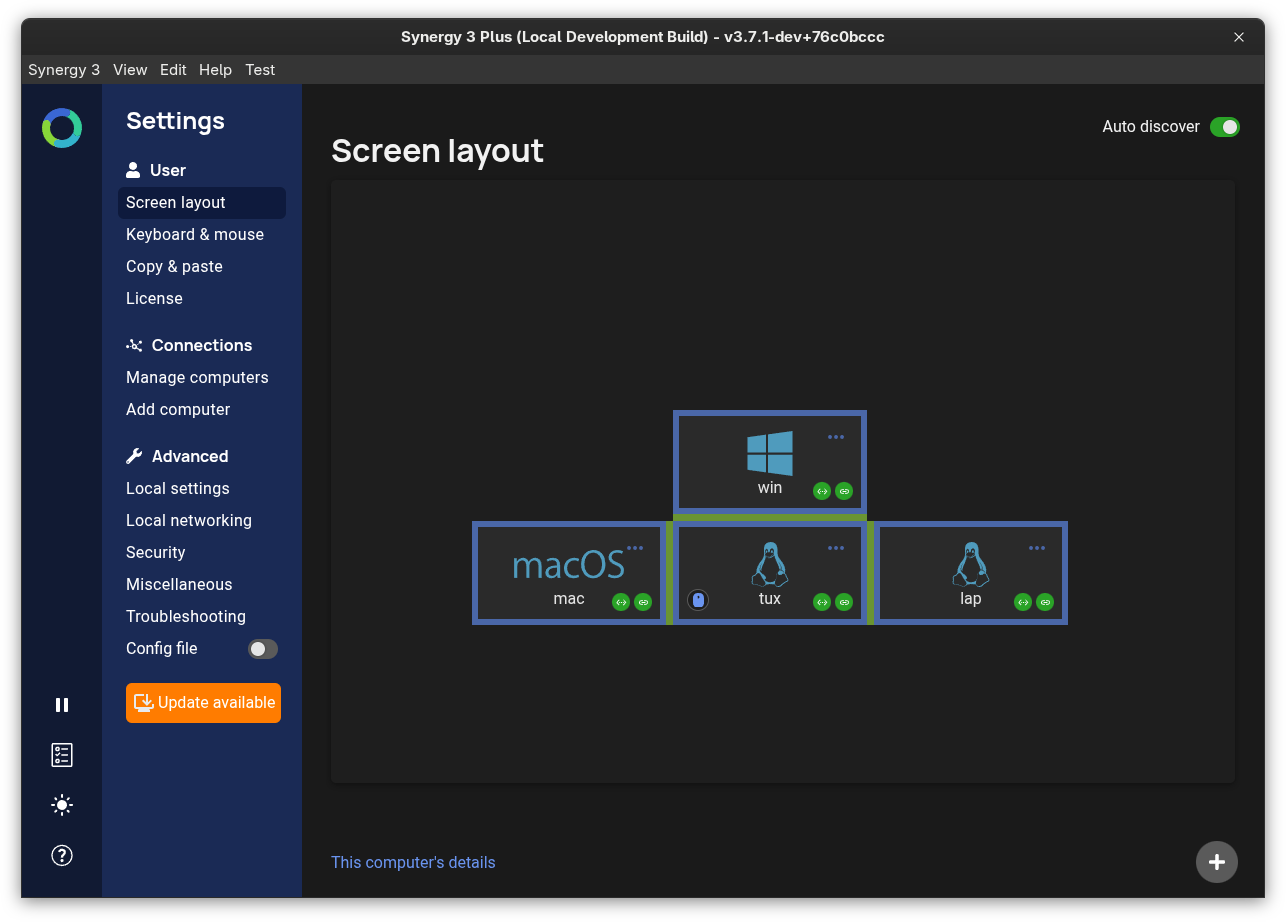
This was more work than swapping a few colors. Every icon was redrawn so it changes with the theme, windows no longer flash white when they open, and system dialogs follow the theme too. Under the hood, every color now lives in one place, which means the app won't drift back into mismatched shades over time.
The window can now be resized, so there's more room to lay out screens when you have a lot of computers. Buttons and other controls also have proper accessibility roles, so screen readers describe them correctly.
Synergy 3 uses Synergy 1 as its Core, and 3.7 ships with the new 1.21 Core. So every Synergy 1 fix below is in Synergy 3 too, including all the CVE fixes listed in the Synergy 1 section below.
A massive Synergy 1 update
Synergy 1.21 is out of beta. We rebuilt it on the upstream community project, so it picks up Deskflow's recent work as well as ours. Synergy 1 is still open source, and it's the Core inside Synergy 3.
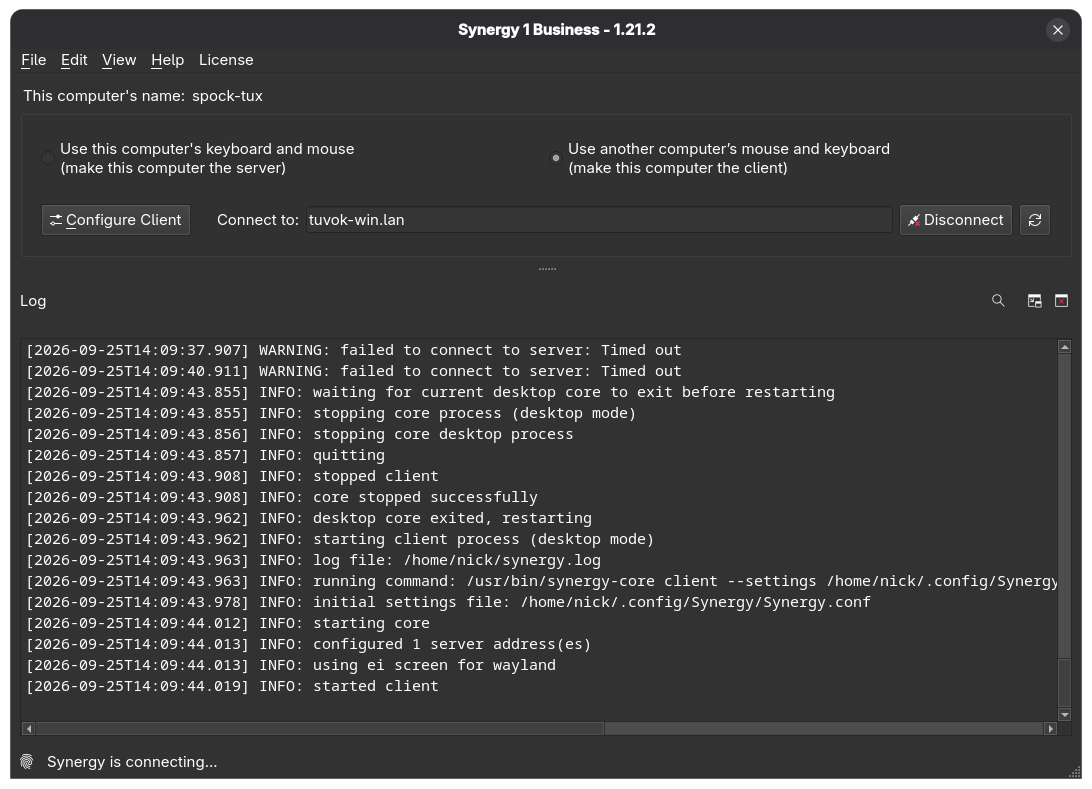
Wayland got the most attention. Clipboard sharing now works through the desktop portal, and hotkeys finally work on a Wayland server through the GlobalShortcuts portal (you'll need libportal 0.11 or newer). On a Wayland server with more than one monitor, the cursor can now leave the server, comes back to the right place, and no longer jumps to another screen in the middle of a drag. The permission prompt no longer comes back after sleep or unlock, client displays can now go to sleep while the cursor is on them, and NumLock no longer needs turning back on after every screen switch.
On macOS, right-hand modifier keys now arrive as right-hand keys, input method punctuation no longer leaks through to clients, and the Core no longer keeps using more memory during long unattended sessions. The cursor no longer bounces back to a Mac server with several displays, clicks now raise background apps on macOS 27, and screenshots copied on a Mac now paste on other computers.
On Windows, TLS connections no longer keep a CPU core busy, the Core no longer crashes on some clipboard images, modifier keys no longer get stuck after crossing back and forth, and upgrading no longer asks for a reboot while Synergy is running. Shift+Space and Ctrl+Space now reach a Mac client when the Windows server has the Korean IME on.
High resolution scroll wheels work everywhere now, where small scroll steps used to be dropped. Japanese keyboard symbols also stay correct after a reconnect.
On security, 1.21 fixes nine security advisories: CVE-2021-42072, CVE-2021-42073, CVE-2021-42074, CVE-2021-42075, CVE-2021-42076, CVE-2026-63409, CVE-2026-65832, CVE-2026-65976 and GHSA-vxgx-6p4m-fv83. The five CVE-2021 advisories were reported and fixed in a fork of Synergy. Deskflow, the upstream community project, ported those fixes, which is where we picked them up. 1.21 also fixes a use-after-free and several missing bounds checks in the clipboard code. Every advisory is now listed on our new security advisories page, with its severity, the versions affected and the version that fixed it.
If you're upgrading from 1.20, your screen layout and settings come with you, as long as you skip 1.21.2 and go straight to 1.21.3, which fixes a bug that could lose your screen layout during the upgrade. For managed deployments, we made sure the locked settings file still works the same as it did in 1.20. We also kept the Ubuntu 22.04, Debian 12 and Manjaro packages from 1.20.
Synergy Dragon is progressing
Synergy Dragon has been in public alpha since August, and 0.5.0 is the latest release. It's already very stable for an alpha, and we're aiming for a beta by March 2027.
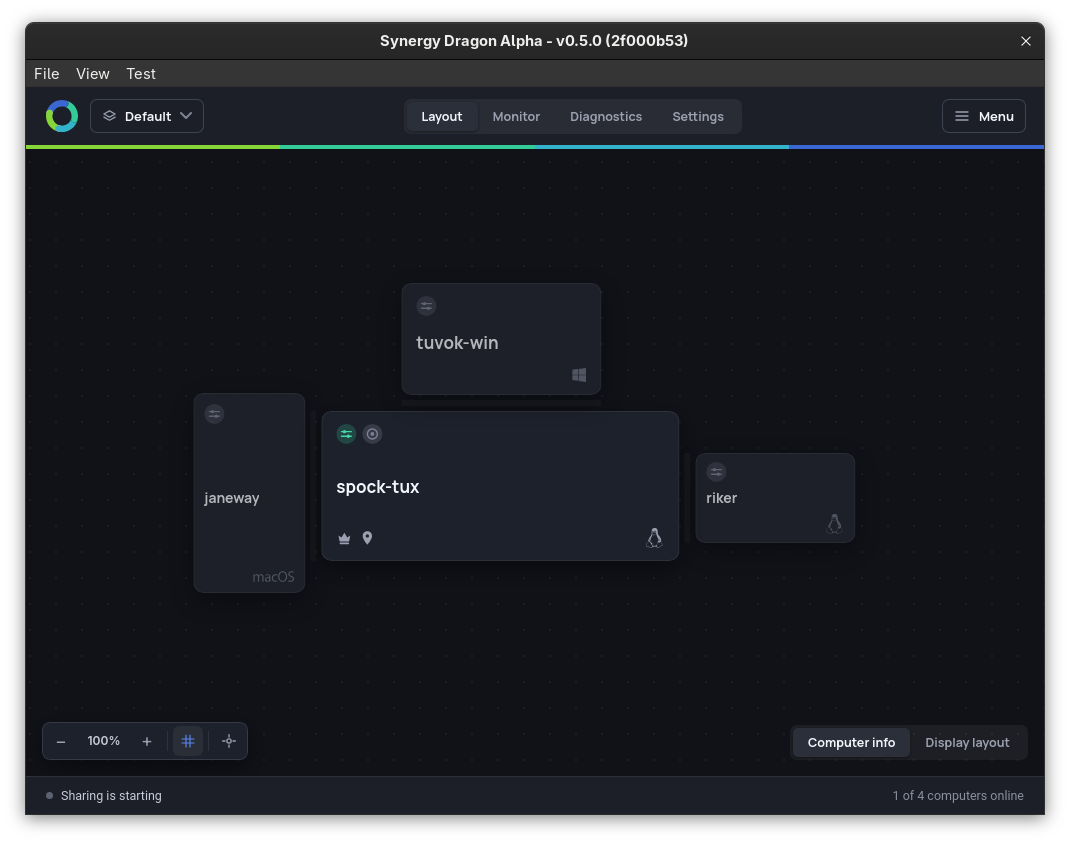
The most important change is one you won't see. Synergy 3 needs every computer on the same version. Synergy 1 never did: a ten year old build still works with today's. The first Synergy Dragon alphas had the same limit as Synergy 3, so we replaced the way computers share settings with a protocol we own, and every build is now tested against the oldest supported release. Any version will work with any version, and that won't change (since v0.2.0 of Dragon).
You can now change any setting on any computer from the one in front of you, including renaming a computer, removing it, or starting and stopping sharing on it. A computer can hold more than one configuration profile, and you can switch it between profiles from any other computer. With two profiles, that works as give and take control: two stations share one computer, and only one of them controls it at a time. There's also a hotkey that makes the computer you press it on the primary.
Other additions since the first alpha: sending input to elevated apps on Windows, a setting that keeps a computer awake, and a choice of what to do with an incoming file. On macOS, the app warns you when AWDL is on (a common cause of lag) and turns it off with one click. Certificates now renew themselves, Linux packages are built on the distribution they're for, and the Mac installer is easier to use and can repair a broken install.
You can send feedback from inside the app, with diagnostics and screenshots attached. Please do, it's how we decide what to fix next. Synergy Dragon installs alongside Synergy 1 or Synergy 3; stop or pause them while Synergy Dragon is running.
Get the updates
Synergy 3.7, Synergy 1.21 and the Synergy Dragon alpha are all on the download page, and with Dragon you can update from inside the app.